

SuiteCommerce Won’t Score Like Shopify on Lighthouse – And That’s Not the Point
Generic Core Web Vitals advice can mislead SuiteCommerce teams. Here’s how to focus performance investments where they actually impact buyers.
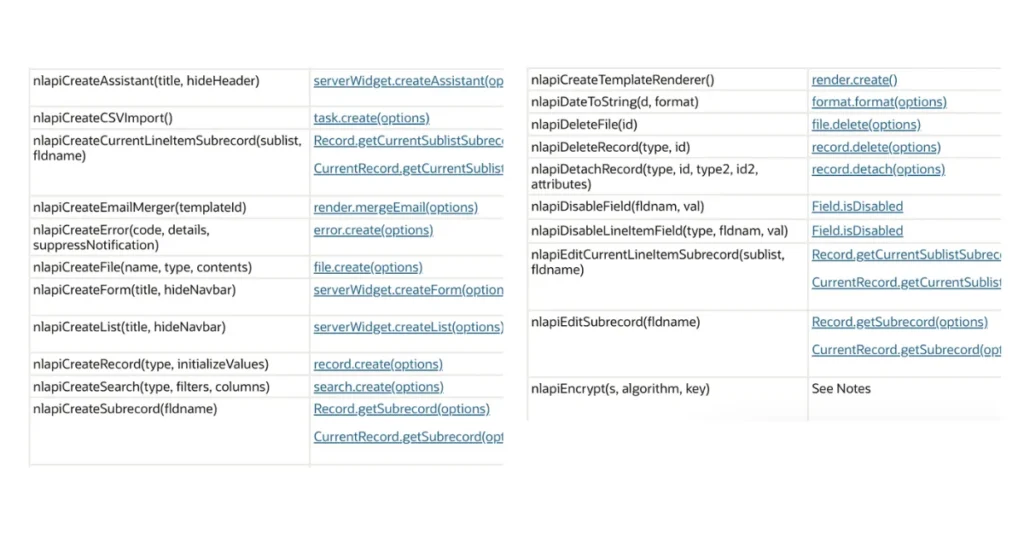
SuiteScript is the backbone of NetSuite customization. With the transition from 1.0 to 2.x and 2.1, developers have access to features that make scripting more modular, secure, and scalable. While these enhancements are technical, they directly influence how smoothly teams can build, maintain, and grow NetSuite solutions.
This article outlines key scripting concepts, script types, governance workarounds, and tips, designed for developers getting started as well as those looking for practical tricks to improve their SuiteScript practice.
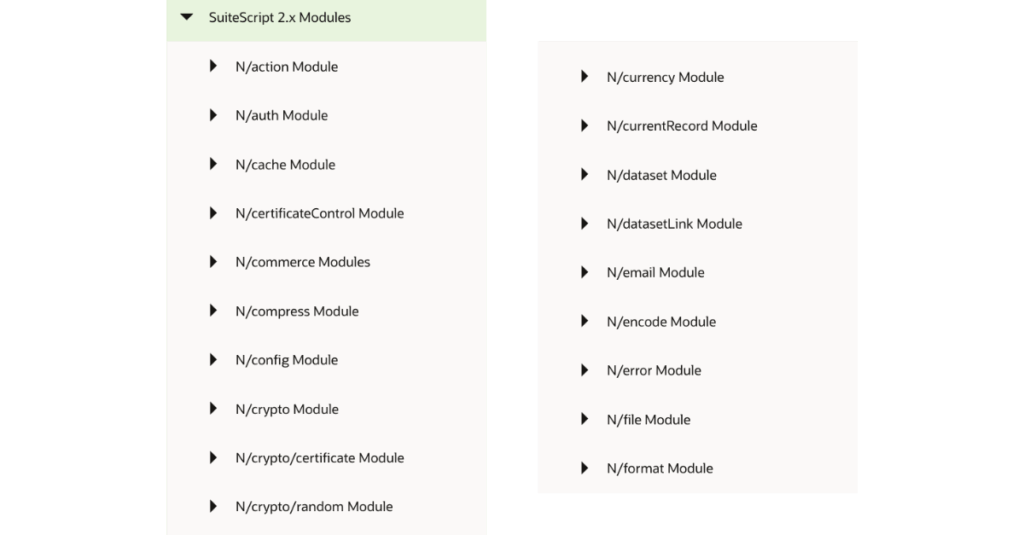
let and const, the spread operator, and async/await. These features align SuiteScript with today’s JavaScript ecosystem, allowing developers to write cleaner and more efficient code.
N/crypto moduleRESTlets are central to integrating NetSuite with other applications, enabling data to move seamlessly across systems.
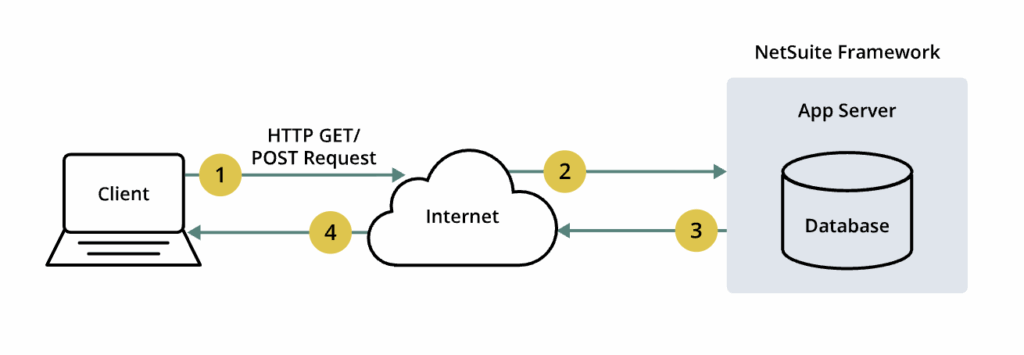
In simple terms, a RESTlet is a SuiteScript that you make available for other applications to call, either from an external application or from within NetSuite. When an application or another script calls a RESTlet, the RESTlet script executes and, in some cases, returns a value to the calling application.
RESTlets can be useful when you want to bring data from another system into NetSuite, or if you want to extract data from NetSuite. Additionally, RESTlets can be used, in combination with other scripts, to customize the behavior of a page within NetSuite.
Run server-side processes on a recurring or ad-hoc schedule. Scheduled scripts are best suited for maintenance, reporting, or time-based automations.
For example, to fetch information on a daily or hourly basis. However, avoid using a scheduled script for long running tasks and batch jobs. Instead, NetSuite recommends that you use a map/reduce script to handle large data processing.
NetSuite enforces governance limits to balance system resources, so SuiteScript governance is usage-unit quotas by script type and by API call. Exceeding the quota terminates execution.
Each API call have a governance cost limit which is specified in NetSuite’s documentation. Here’re a few examples of the cost of using an action for the record module:
To keep scripts reliable, as a developer, you could apply strategies such as:
Add a boolean or status field on Customer like Processed. Your search filters only unprocessed records. Each successful update sets the flag. Any rerun automatically skips completed rows and touches only the remainder.
Saving progress before reaching the limit and continuing in a new run. Check remaining governance units during the run. When near the threshold, persist progress (flag, cursor, or page) and submit a new execution of the same deployment. The next execution continues from the saved point, so only the unfinished half runs.
These approaches make sure long-running jobs don’t fail halfway through, which helps keep large-scale processes dependable.
Generic Core Web Vitals advice can mislead SuiteCommerce teams. Here’s how to focus performance investments where they actually impact buyers.
Agentic commerce makes buying easier than ever. But for Shopify merchants with complex pricing, inventory, and brand experiences, convenience can come at a cost.
Discover how a mid-sized automotive parts company modernized mapits dropship fulfillment by implementing a fully customized NetSuite PO-to-SO automation flow.